Aquiva blog/AI Strategy
How AI Agents Speed Up Manual QA Testing on Salesforce Projects
See how AI agents like Claude Code speed up manual QA on Salesforce projects, from pulling JIRA tickets to writing bug reports and retest evidence.
Traditional manual testing on Salesforce projects is a slow and repetitive process. Before AI, automating repeated test scenarios into regression or smoke suites was the fix for that problem. But it never applied to first-time testing, the work needed for every new feature. A single user story requires the tester to read and understand the requirements and acceptance criteria in a ticket management system, research potential dependencies, build a test plan, set up test data across multiple objects, click through the UI, take screenshots, document bugs, retest after fixes, and check for regressions. This work had to happen before any test cases could be automated. Each step takes minutes to hours, and a typical sprint has dozens of stories. Most of that time goes to mechanical overhead around the testing.
AI agents that can use your tools
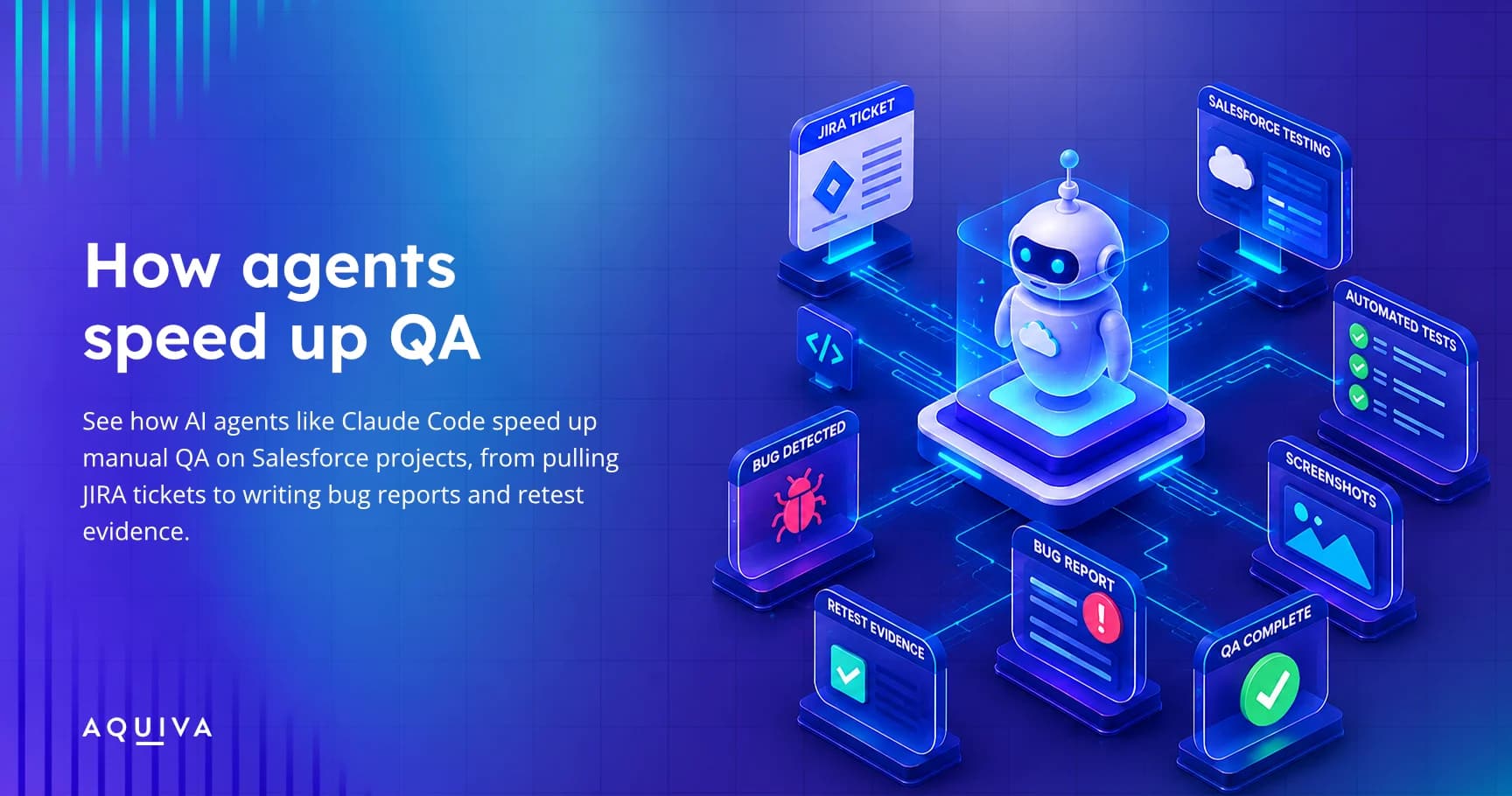
AI has made speeding up manual testing realistic. AI agents like Claude Code can execute terminal commands and SOQL queries, drive a browser, or read project files. This means the agent can do the mechanical parts: pull JIRA tickets, set up test data, drive a browser, take screenshots, and format bug reports. This speeds up execution and leaves the tester to oversee the process and decide what to test.
A real QA session step by step
Take a single user story as an example.
The agent fetches the ticket from JIRA, including the story, acceptance criteria, developer comments, and linked bugs.
From the ticket, the agent creates a test plan. For straightforward stories, it drafts the plan directly from the acceptance criteria. For complex stories with many ACs or cross-object dependencies, structured spec tools help build the plan in stages. The plan lands in a consistent folder structure that every tester on the team can follow.
The agent queries the sandbox for existing records, checks picklist values, field definitions, and object state. It creates or modifies records as needed via CLI and API commands.
When data is ready, the agent executes the tests. It drives a browser through Playwright against the sandbox and takes screenshot evidence at each checkpoint: before action, after action, and on error. Screenshots go into a structured evidence folder automatically.
If a test fails, the agent logs the bug with root cause, expected vs. actual behavior, and screenshot evidence. It links the report back to the JIRA ticket.
After a developer deploys a fix, the agent verifies it. It checks that the change is actually present. For example, it can confirm a validation rule formula through the Tooling API. Then it retests and writes a retest report with a JIRA comment section ready to paste.
The agent also checks regressions during retests. It verifies that the fix didn't break related functionality and documents any new bugs found.
The tester reviews the output at each step and decides what to do next.
Testing Salesforce features headlessly
With Salesforce introducing Headless 360, there are new possibilities for testing Salesforce features, not just building them. Using CLI, MCP, and APIs, many tests that used to run through the UI can now run through an AI agent headlessly in the IDE, which cuts execution time. Browser-based testing, like end-to-end journeys, can also run in headless mode without losing screenshot evidence. This makes it possible to build automated or semi-automated pipelines that run without opening Salesforce or a browser window.
Time savings in practice
In our own QA process, the test data setup that used to take 15-20 minutes of clicking through the Salesforce UI now takes seconds through CLI and API commands the agent runs. Screenshots get taken automatically at each step, named, and organized consistently. Bug reports follow a structured format every time, so repro steps and expected behavior never get left out. The agent holds the full context (the JIRA ticket, the test plan, current test state), so the tester doesn't lose track between steps. When it's time to retest, the agent can rerun the same test sequence after a fix, compare results, and flag differences.
All of these tasks could be automated to some extent with scripts. What this setup does differently is free up time for quality assurance and for improving the testing process itself. It also helps with consistency: bug reports keep the same structure every time, tests land in a standard directory layout, and screenshots or video evidence get collected without extra effort.
Setup and investment
Setting this up takes effort. You need custom skills and instructions tailored to your Salesforce org structure, your JIRA project, and your testing conventions. The agent needs to know where to save files, how to name them, and what format your bug reports should follow. This isn't a plug-and-play install; the setup work comes first.
But the payoff comes from reuse. Once the skills are built, every tester on the team can use them. You don't need a new platform. It works with Salesforce CLI, Playwright, and JIRA, tools most Salesforce teams already have.
Aquiva and AI-assisted QA
Testing is part of every Salesforce engagement we deliver. We built this exact workflow into our own QA process before bringing it to client projects.