Aquiva blog/Security
Salesforce Security Review: What to Expect and How to Prepare in 2026
What the Salesforce security review checks, what it costs in 2026, how long it takes, and a pre-submission checklist from a Cloud Expert PDO.

In 2025, attackers didn’t need to break Salesforce to reach Salesforce customers. They walked in through OAuth connections: the ShinyHunters campaign social-engineered employees into approving malicious Connected Apps, and the Salesloft supply-chain attack compromised more than 700 tenants. Marketplace apps sit on exactly that trust boundary, and the Salesforce Security Review is the gate Salesforce runs every listing through before it reaches AgentExchange (formerly AppExchange).
To list your app on AgentExchange, Salesforce requires your app successfully pass a rigorous security review. As part of this process, Salesforce’s product security team will analyze your app’s protection against threats outlined in the Open Web Application Security Project (OWASP) list. The team will also check for possible horizontal attacks to determine whether your product could make Salesforce vulnerable.
At first, it sounds intimidating. After all, you have cybersecurity experts looking for flaws in your application, one you’ve worked hard to develop. But from a pragmatic standpoint, you need it to protect your customers’ sensitive data and avoid straying from best practices.
In this article, we’ll explain why the security review is essential, how to prepare for it, and how to turn Salesforce’s strict security requirements into a stronger product.
How the Salesforce security review works
Native apps and composite apps follow the same security review process. In both cases, you must verify your solution’s security before submitting it for review.
Keep your technical documentation up-to-date and scan your code before you submit. Salesforce requires a Salesforce Code Analyzer scan report with managed-package submissions; the tool bundles PMD, ESLint, RetireJS, and the Salesforce Graph Engine. Managed packages also go through the Checkmarx-based Source Code Scanner on the Partner Security Portal. Fix what the scans surface, and include flagged vulnerabilities that don’t pose a security threat in a false positives document.
These and the scan reports enable Salesforce’s product security team to evaluate your solution. Depending on the type of solution you’re submitting, you may also need other supporting materials. Lastly, ensure the security review team has access to every package, environment, and component you use.
If you pass, pat yourself on the back. Your app is up for publication.
If not, the team will send you their findings report and outline your next steps. Consider the findings as markers on a map, indicating where you need further investigation and correction.
How long the security review takes
There’s no hard-and-fast timeline for Salesforce security reviews. Salesforce’s current estimates break the process into stages: one to two weeks of initial verification, three to four weeks of testing for a first-time submission, and two to three weeks for each resubmission. But as an experienced Salesforce partner, we’ve also seen the end-to-end process take organizations up to three months.
Why the range? For starters, the clock doesn’t start ticking once you submit your application for review; it begins once the team confirms they’ve taken your review request on board. Salesforce’s timeline estimate also doesn’t factor in the back-and-forth. If you don’t pass the first attempt, you’ll have to repeat the process until you get it right.
Don’t let this dishearten you: Salesforce has said that about half of applications fail the first time through the security review. You’re not expected to be a cybersecurity expert as a software developer or architect.
Consider the review a collaboration with a Salesforce-competent cybersecurity team and lean into their expertise to improve your product.
You’ll have to wait two to three weeks every time you fail. If this is the case, you won’t be able to launch your product as soon as you would like. That’s why it’s essential to be proactive in ensuring you’re ready for the security review the first time around.
What the security review costs
The current fee is $999 per submission attempt for paid solutions, and every resubmission after a failed review is a new attempt. Free solutions don’t pay a review fee. Separately, a paid listing carries a $150 annual fee. Salesforce moved to this per-attempt model in March 2023; before that, the review was a $2,550 one-time fee. The pricing sharpens the point of everything below: failing the review costs you money as well as weeks.
Three ways to prepare
Here are three tips to help you prepare for the Salesforce security review:
Make security part of development, not a final gate
Don’t consider the security review a final requirement to publish your app. It should be top of mind at every stage of the development process, even before writing any code. Study your assets and data flow to identify security loopholes and potential exploits.
Run a vulnerability assessment regularly to check for flaws like script reflections. Observe and collect feedback from beta testers to discover security risks associated with your solution. Use automated security scanners and manual testing for comprehensive testing. And, of course, record and rate your findings.
Educate your team early
Don’t go at it alone. As early as possible, hand your team the resources they need to understand how the Salesforce security review works.
Salesforce’s Partner Community contains a wealth of resources related to the topic, and Trailhead has a dedicated security review module. These are good places to start. For a comprehensive understanding of the security review, sites like OWASP.org are also worth exploring.
Know your solution’s specific requirements
Salesforce doesn’t have the same requirements for all apps. It will depend on the type of solution you’re building and your company’s size and maturity. The Security Review Submission Requirements Checklist Builder in the Salesforce Partner Community can help you prepare.
The pre-submission checklist
Before you submit, you should be able to check off every line here:
- Salesforce Code Analyzer has run against the package, violations are fixed or documented, and the report is exported for upload.
- The Source Code Scanner on the Partner Security Portal has run, with the same treatment for its findings.
- Every finding you’re not fixing is covered in a false positives document, with a justification per finding.
- Apex enforces CRUD, field-level security, and sharing. These are the most common failure points we see.
- Every external endpoint your solution calls is documented, and the review team has working test credentials for each environment and service they’ll need to touch.
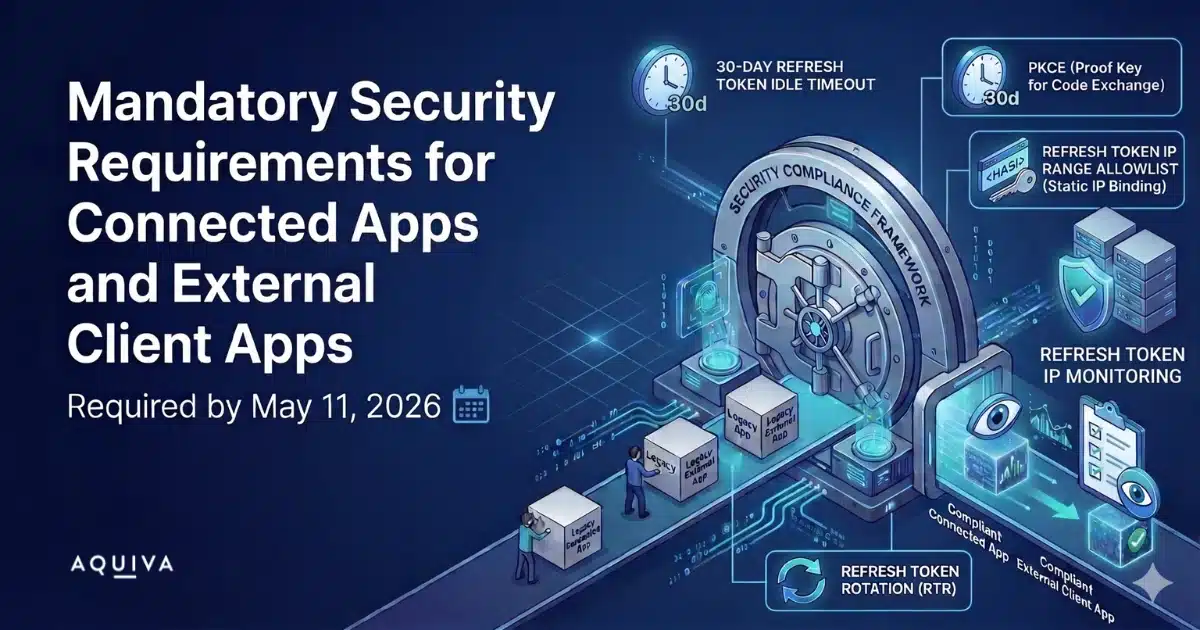
- If your package ships a Connected App or External Client App, the four mandatory OAuth security controls are enabled and locked.
- Your technical documentation matches what the package actually does.
How a PDO helps you pass
Salesforce product development outsourcers (PDOs) help you accelerate your time to market. They’re experts in AgentExchange app development, the Salesforce ecosystem, and the security review process. With the help of an experienced PDO, passing the Salesforce security review is much easier. And in most cases, they only need to do it once, shortening the review process so you can get your app on AgentExchange faster.
PDOs are your life jackets. You may know how to swim. But help is needed if the current is strong or you’ve been in the water long. You don’t have to struggle to swim to the finish line yourself when there’s an easier and more efficient way.
Here are three ways choosing the right PDO can help you ace your Salesforce security review:
They know the process
Salesforce has a lot of security review resources for developers. But it’s difficult to keep track of them all, and the updates.
Understanding and preparing for the process could take considerable time, especially if you have to do it more than once. With a PDO’s expertise, you won’t have to sift through the mounds of resources. Experienced PDOs know the process like the back of their hands, down to the steps and time required to get your product approved.
They build security in from the start
PDOs help you create a plan for passing security reviews. They understand that this preliminary work is necessary before application development takes place.
PDOs are adept at coding secure applications. They also know how to include safeguards in every step of the development process, taking precautionary measures as they go.
They turn findings into fixes
If the first attempt doesn’t work out, PDOs can help you with iterations. Salesforce points you in the direction of your product’s weaknesses. They have a pretty detailed report on their findings, but the Security team doesn’t know your product like your developer and PDO partner.
PDOs can dig into these findings, analyzing and correcting issues beyond what the Salesforce Product Security team can offer. This way, you can ensure that your next submission exceeds expectations.
When you publish on AgentExchange, it’s not just your app and business on the line. Salesforce also stakes its reputation and security on it. For this reason, the company’s product security review team will thoroughly examine your product to ensure everything is in order.
The process can take some time, and many fail on their first try. But by working with an experienced PDO like Aquiva, you can minimize the time it takes to create a secure app and shorten the entire Salesforce security review process.
Salesforce security review: quick answers
What is the Salesforce security review?
A mandatory review by Salesforce’s product security team that every solution must pass before it can be listed on AgentExchange (formerly AppExchange). Reviewers test your app against the OWASP Top 10 and Salesforce-specific attack surfaces, and they check whether your product could expose the platform itself.
How long does the Salesforce security review take?
Salesforce’s current estimates: one to two weeks of initial verification, then three to four weeks of testing for a first-time submission. Each resubmission adds two to three weeks. In our experience, the end-to-end process can run up to three months.
How much does the Salesforce security review cost?
$999 per submission attempt for paid solutions, and a failed review means paying for the next attempt. Free solutions pay no review fee. A paid listing also carries a $150 annual fee.
What happens if you fail the security review?
You get a findings report outlining what to fix. You correct the issues and resubmit, which costs another attempt fee and two to three weeks of testing. About half of applications fail on the first attempt, so build the retry into your launch plan.
No matter what stage of the development process you are in, Aquiva will help take care of the security process. But it’s best if we help you from the ground up. Contact one of our specialists today to learn how we can help make your project a success.